
01
Open local videos
Open or drag in MP4, MOV, MKV, or M4V files.
Open a local video, preview the timeline, choose a start and end point, then export the selected segment with FFmpeg stream copy.
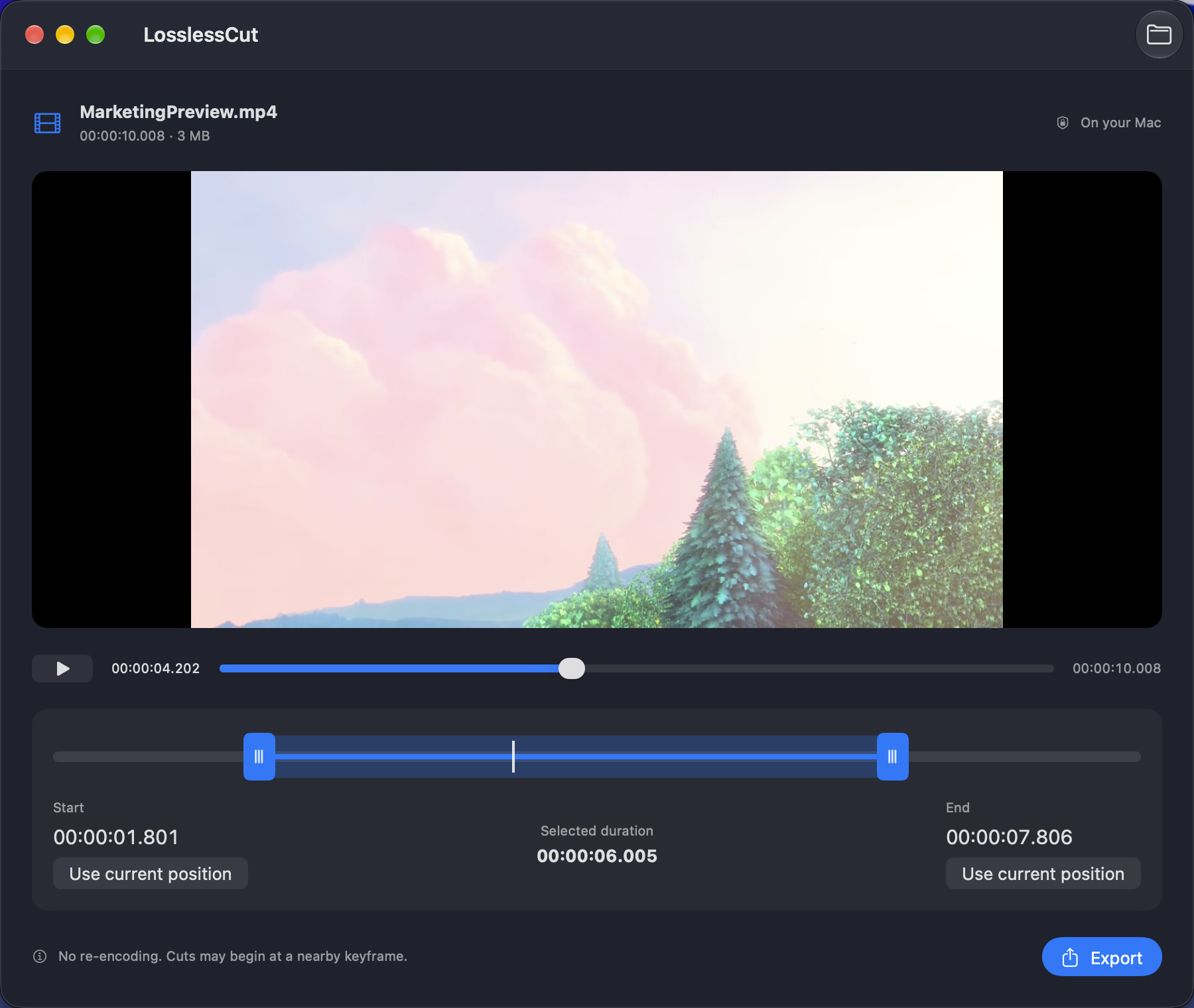
Everything needed to choose and export a local video segment.
Open or drag in MP4, MOV, MKV, or M4V files.
Play supported videos and move through the timeline to find the section you need.
Drag both trim handles or set the start and end from the current playback position.
Check the selected time range before you export.
Copy audio and video streams without re-encoding, while keeping the source container extension.
Follow export progress, cancel when needed, and reveal the result in Finder.
LosslessCut uses stream copy so export avoids the time and quality changes of re-encoding.
FFmpeg copies supported streams into the output file instead of compressing them again.
Your selected video is processed locally; the app does not require a cloud upload for trimming.
Stream-copy cuts may begin before the chosen point, and the resulting duration may exceed the selection.
Choose a segment from a local video and save it in a few steps.
Mark the moment you want to keep and export it as a separate video file.
Set new start and end points for a local recording without running a full encode.
Use FFprobe to inspect supported files even when macOS cannot preview their codec.
Trim videos locally on your Mac with simple controls and stream-copy export.
